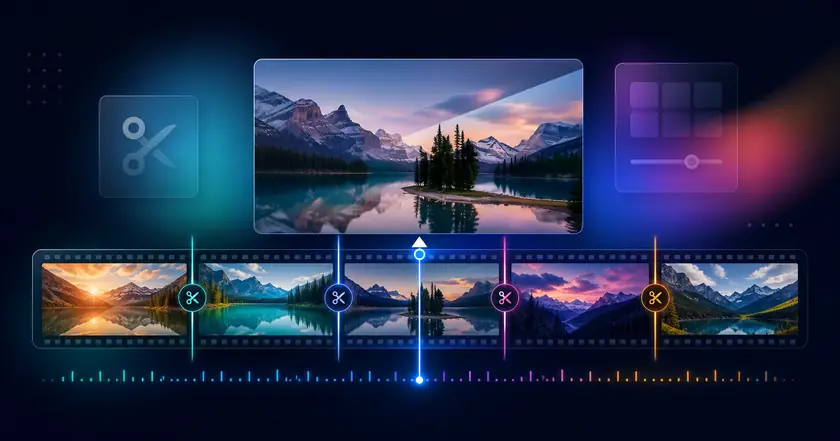
Free browser tools
Free Online Video Splitter Easy Split
A free online video splitter for splitting MP4 and MOV files in your browser.
Server result links are short-lived when server processing is used.
What Easy Split Does
Local-first processing
Supported MP4 and MOV videos are split in your browser without uploading. Temporary server processing is used only when the local path cannot handle the file.
Flexible split methods
Split MP4 files by duration, number of parts, or target file size. The tool is free and does not require account registration.
Designed for large workflows
Use browser processing for supported files and keep server processing limited to the cases that need it.
What to check when splitting MP4 files online
Choose how to split a video
Use Easy Split when you search for a free video splitter, split MP4 online, or split video files by time, parts, or target size.
Keep supported files local first
Supported MP4 and MOV files are handled in your browser first, which helps when you need an online video splitter without the normal upload workflow.
Move to the next edit when needed
Trim a specific section, compress a large result, or change speed after splitting if the exported clips need another adjustment.
How to Use Easy Split
Choose a file
Select the file you want to use with Free Online Video Splitter in your browser.
Adjust settings
Review the range, format, strength, or other available settings for your goal.
Check and save the result
Review the processed result and download the finished file when the tool provides an output.
Common Uses
Prepare clips for NotebookLM
Split long videos into smaller files that are easier to upload and review.
Send smaller files to AI tools
Create practical chunks for transcription, analysis, or sharing with tools that have file limits.
Cut long recordings quickly
Break lecture, meeting, or screen-recording files into manageable segments.
What to check before splitting a video
Choose the split method
Use duration for regular review segments, parts for evenly sized sections, and target size when a platform or AI workflow has an upload limit.
Know the local limit
Supported MP4 and MOV files are processed locally first. Very large videos can take longer, so check device memory and storage before starting.
Review the result
Play the beginning and end of each output file before sharing. If needed, trim or compress the segments after splitting.
Related categories and workflows
Use related category and workflow pages when you are choosing the next tool.