Free browser tools
Free Video Compressor Easy Compress
A free browser video compressor for reducing file size before sharing.
Supported videos are processed on this device and are not uploaded.
What Easy Compress Does
Compress without upload
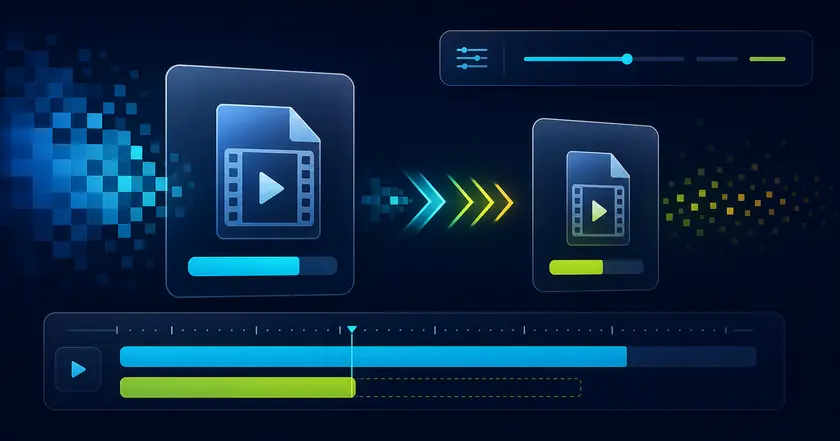
Reduce video size inside your browser using local processing.
Choose a preset
Pick quality-first, balanced, small, or tiny output based on your sharing needs.
Make sharing easier
Prepare lighter videos for chat, email, or social platforms.
How to Use Easy Compress
Choose a file
Select the file you want to use with Free Video Compressor in your browser.
Adjust settings
Review the range, format, strength, or other available settings for your goal.
Check and save the result
Review the processed result and download the finished file when the tool provides an output.
Common Uses
Send smaller files
Reduce file size before attaching a video to chat or email.
Prepare social uploads
Compress a video before uploading to a social platform.
Pre-process for other tools
Make large videos more manageable before splitting or trimming.
How to compress without losing too much quality
Match the purpose
Use stronger compression for chat or email sharing, and lighter compression when text, UI details, or presentation quality matter.
Remove unused footage first
Trim waiting time or irrelevant scenes before compression. It often reduces file size without pushing quality too low.
Compare the output
Review the compressed video next to the original and check whether small text, faces, or motion details still look acceptable.
Related categories and workflows
Use related category and workflow pages when you are choosing the next tool.