Free browser tools
Free Video Audio Extractor Easy Audio
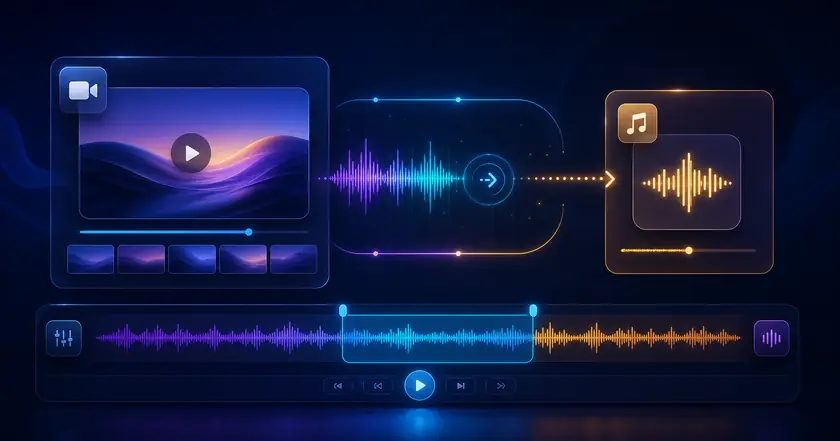
A free local browser tool for extracting audio from video files.
Supported videos are processed on this device and are not uploaded.
What Easy Audio Does
Extract audio without upload
Read the audio track from supported videos directly in the browser.
Save a lighter file
Turn a video recording into an audio file that is easier to store or share.
Useful before transcription
Prepare meeting, lecture, or explanation audio for transcription workflows.
How to Use Easy Audio
Choose a file
Select the file you want to use with Free Video Audio Extractor in your browser.
Adjust settings
Review the range, format, strength, or other available settings for your goal.
Check and save the result
Review the processed result and download the finished file when the tool provides an output.
Common Uses
Save meeting audio
Extract audio from a recorded meeting or lecture for review.
Create narration assets
Reuse voiceover or narration from existing video files.
Share audio only
Send a smaller audio file instead of the full video.
How to use audio extraction effectively
Prepare for transcription
Extracting only the audio makes meeting recordings, lectures, and interviews easier to pass into transcription or AI analysis tools.
Trim first when possible
If the source video is long, trim it before extracting audio so the final audio file contains only the useful section.
Check the saved audio
Listen for volume, missing starts, and cut-off endings before using the audio in another workflow.
Related categories and workflows
Use related category and workflow pages when you are choosing the next tool.