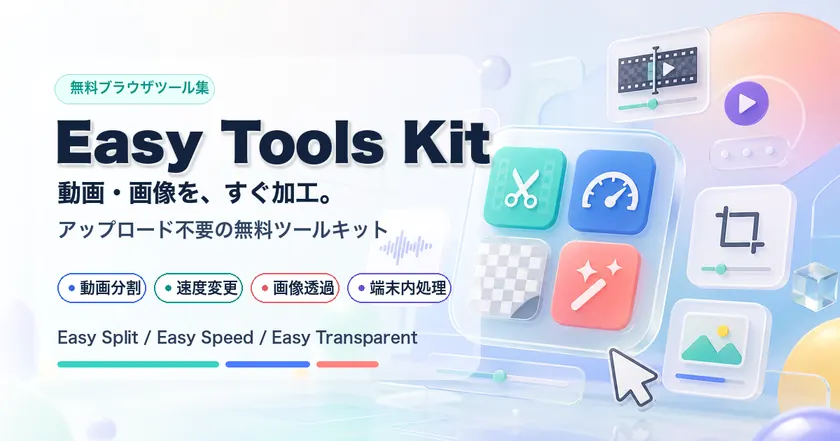
Free browser tools
Easy Tools KitVideo, image, and PDF tools
A collection of free browser tools for quick video, image, and PDF edits. Supported files are processed locally first, and each tool stays focused on one task.
Featured tool
Free online video splitter
Split MP4 files online by duration, number of parts, or target size.
Local-first processing
Supported files are processed in your browser first, so many edits do not upload source files.
Focused free tools
Choose only the task you need, from video splitting and speed changes to image transparency and PDF splitting.
Temporary fallback only
When server processing is needed, files are handled with temporary storage and short access windows.
Browse by category
Browse task-based hubs for video, image, PDF, and local-first workflows.
Free Tools
Pick the tool that matches the edit you need.
Practical Workflow Notes
These tools are designed as small steps rather than a heavy editor. Choose the edit that removes the most friction first, then verify the saved file before continuing.
Pick the smallest useful workflow
Start with the tool that directly matches the job: trim before speed changes, split before upload-limited AI analysis, and compress only after removing unused footage.
Check privacy before processing
Many tools process supported files locally in the browser. For sensitive files, read each tool note first and avoid server fallback when local-only handling matters.
Review outputs before sharing
Open the exported file once, confirm duration, audio, orientation, page order, and file size, then use another tool only if the result still needs cleanup.