Free browser tools
Free Transparent Image Maker Easy Transparent
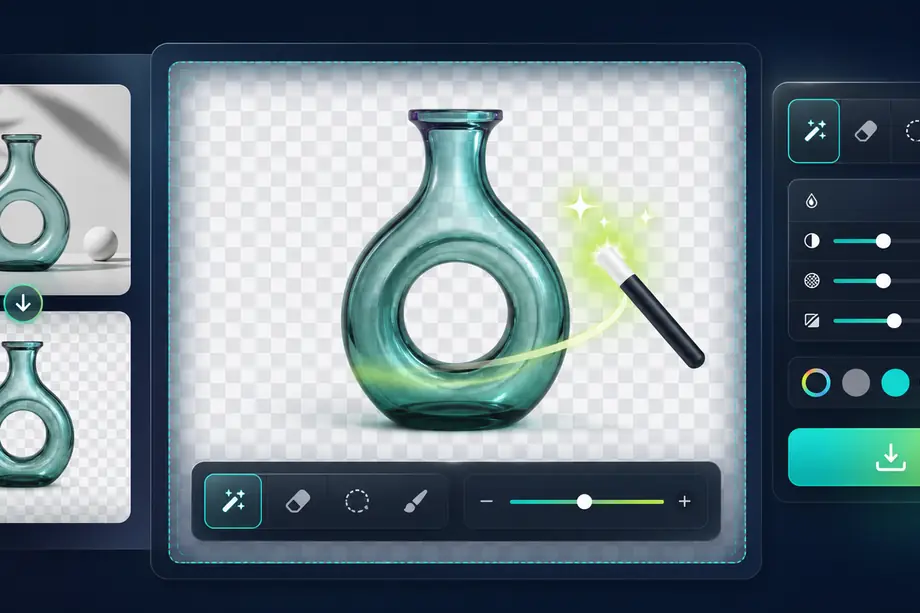
A free browser tool for making image backgrounds transparent.
Images are processed on this device and are not uploaded.
What Easy Transparent Does
Edit images locally
Make selected colors transparent using browser Canvas without uploading the image.
Control tolerance and opacity
Use connected fill, whole-image color selection, color replacement, rectangle selection, or eraser mode.
Save transparent output
Refine edges, undo changes, and export PNG or WebP files from the browser.
How to Use Easy Transparent
Choose a file
Select the file you want to use with Free Transparent Image Maker in your browser.
Adjust settings
Review the range, format, strength, or other available settings for your goal.
Check and save the result
Review the processed result and download the finished file when the tool provides an output.
Common Uses
Remove logo backgrounds
Turn solid logo or icon backgrounds into transparent areas.
Finish generated images
Clean up flat backgrounds or edge artifacts from generated artwork.
Edit on any device
Use the same browser workflow on Mac, Windows, or Chromebook.
How to get a cleaner transparent image
Start with a good source
Images with clear contrast between the subject and background are easier to process, especially white or solid-color backgrounds.
Inspect the edges
Hair, shadows, and semi-transparent areas often need extra checking. Zoom in before saving and adjust the selected color when needed.
Save with transparency
Use PNG or WebP when transparency must remain. JPG cannot preserve transparent pixels.
Related categories and workflows
Use related category and workflow pages when you are choosing the next tool.