Free browser tools
Free Video Rotator Easy Rotate
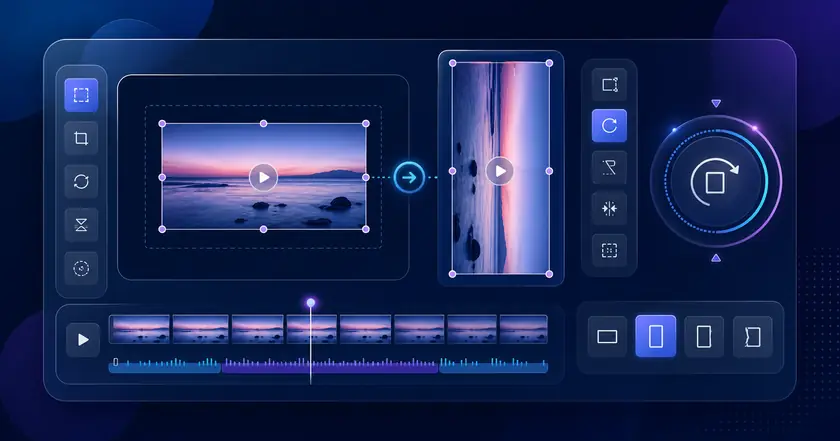
A free browser tool for rotating videos without uploading.
Supported videos are processed on this device and are not uploaded.
What Easy Rotate Does
Rotate without upload
Correct supported MP4 or MOV videos inside your browser.
Fix orientation quickly
Rotate phone recordings or short clips before sharing or editing.
Local-only workflow
The normal path keeps processing on your device.
How to Use Easy Rotate
Choose a file
Select the file you want to use with Free Video Rotator in your browser.
Adjust settings
Review the range, format, strength, or other available settings for your goal.
Check and save the result
Review the processed result and download the finished file when the tool provides an output.
Common Uses
Fix phone orientation
Correct sideways or upside-down videos before sharing.
Prepare files for documents
Rotate videos into a readable orientation before attaching them.
Clean up short clips
Make social or review clips easier to watch.
How to fix video orientation
Pick the right rotation
Use 90 degrees for sideways phone videos and 180 degrees when the whole video is upside down.
Check framing afterward
After rotation, confirm that people, text, and UI elements are not cut off before posting or sharing.
Rotate before other edits
Fix orientation before trimming, thumbnail creation, or frame extraction so later checks are easier.
Related categories and workflows
Use related category and workflow pages when you are choosing the next tool.