Free browser tools
Free Video Speed Changer Easy Speed
A free online tool for changing video playback speed from 0.25x to 4x.
Server result links are short-lived when server processing is used.
What Easy Speed Does
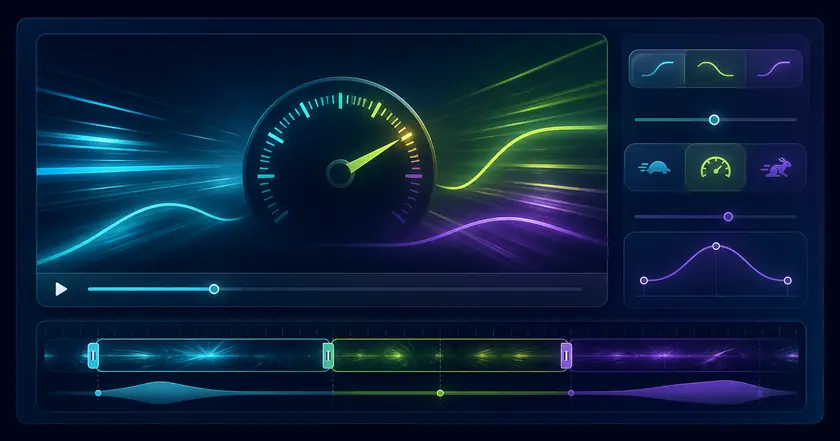
Change speed in the browser
Create slow-motion or fast-playback videos without installing desktop software.
Local-first by design
Supported files are processed on your device, so the normal path avoids uploading the source video.
Useful speed range
Choose from 0.25x to 4x for reviewing motion, shortening lectures, or preparing social clips.
How to Use Easy Speed
Choose a file
Select the file you want to use with Free Video Speed Changer in your browser.
Adjust settings
Review the range, format, strength, or other available settings for your goal.
Check and save the result
Review the processed result and download the finished file when the tool provides an output.
Common Uses
Speed up learning videos
Convert long lectures into faster playback files for efficient review.
Review motion in slow speed
Create slow videos for sports, dance, or detailed movement checks.
Adjust clips for social posts
Tune pacing before posting short videos to social platforms.
How to choose a video speed setting
Pick a practical multiplier
Use 1.25x to 2x for study videos, around 0.5x for motion review, and 1.1x to 1.5x for subtle social video pacing.
Check audio clarity
Large speed changes affect speech. If the original audio matters, replay a short exported section and confirm it is still understandable.
Edit in the right order
Trim unused parts before changing speed, then compress afterward if the final file is still too large.
Related categories and workflows
Use related category and workflow pages when you are choosing the next tool.