Free browser tools
Free Video Thumbnail Maker Easy Thumbnail
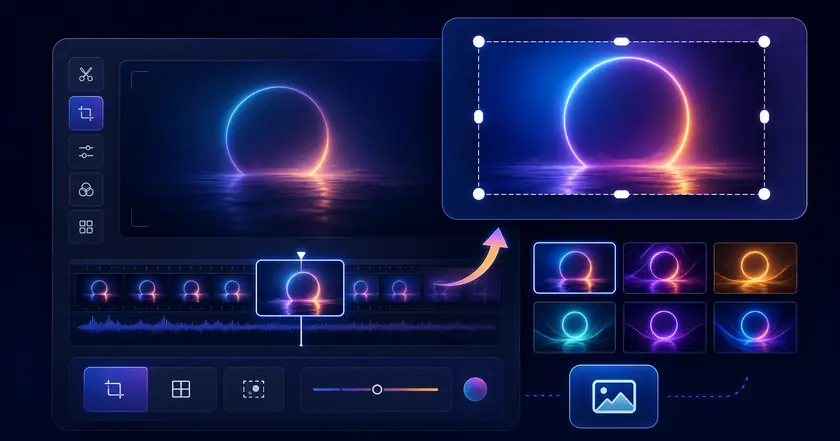
A free local tool for creating thumbnail images from video frames.
Supported videos are processed on this device and are not uploaded.
What Easy Thumbnail Does
Capture a frame locally
Create a still image from the start, middle, end, or a custom time.
Export common formats
Save a thumbnail as JPEG, PNG, or WebP depending on where you plan to use it.
Fast content checks
Make preview images for posts, documents, or video lists without uploading the video.
How to Use Easy Thumbnail
Choose a file
Select the file you want to use with Free Video Thumbnail Maker in your browser.
Adjust settings
Review the range, format, strength, or other available settings for your goal.
Check and save the result
Review the processed result and download the finished file when the tool provides an output.
Common Uses
Create post thumbnails
Make representative images for social posts, blogs, or video lists.
Preview a video quickly
Turn one frame into a lightweight image before sharing a video.
Build document visuals
Add a video preview image to slides, reports, or messages.
How to choose a useful thumbnail frame
Show the actual content
Pick a frame with a clear result, expression, title slide, or product state so people understand the video before opening it.
Avoid weak frames
Dark frames, motion blur, blank transitions, and subtitle-only moments usually make poor thumbnails.
Reuse the image
A saved thumbnail can be used in documents, PDF pages, posts, or transparency editing when you need a clean visual asset.
Related categories and workflows
Use related category and workflow pages when you are choosing the next tool.