Free browser tools
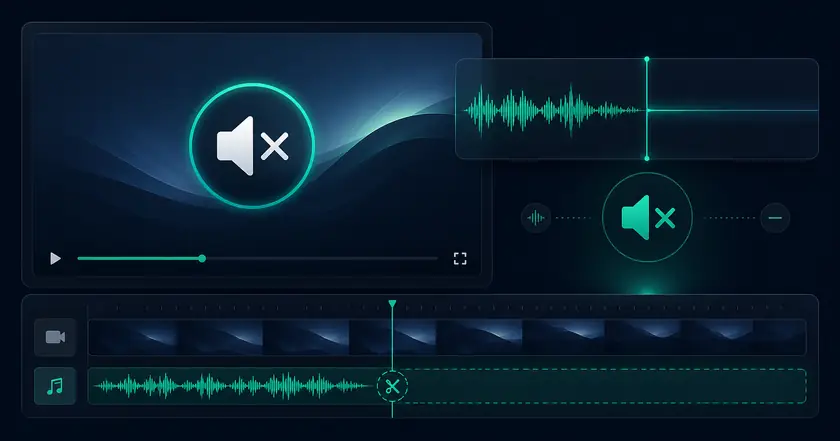
Free Video Audio Remover Easy Mute
A free local browser tool for removing audio from videos.
Supported videos are processed on this device and are not uploaded.
What Easy Mute Does
Remove audio locally
Strip audio tracks from supported MP4 or MOV videos inside your browser.
Keep the picture
Export a silent video while preserving the visual content.
Private sharing prep
Remove conversations, microphone noise, or background sound before sending a file.
How to Use Easy Mute
Choose a file
Select the file you want to use with Free Video Audio Remover in your browser.
Adjust settings
Review the range, format, strength, or other available settings for your goal.
Check and save the result
Review the processed result and download the finished file when the tool provides an output.
Common Uses
Remove private audio
Mute conversations or background sound before sharing a recording.
Prepare social media assets
Create silent clips ready for subtitles or a different soundtrack.
Clean up screen recordings
Remove unwanted microphone audio from instructional videos.
When muting a video is useful
Protect private audio
Remove conversations, notification sounds, background noise, or workplace audio before sharing a screen recording or phone video.
Verify the export
After muting, replay the video with volume raised to confirm the audio track was removed as expected.
Prepare for new audio
Muting the original track first makes it easier to add music, narration, or platform audio later.
Related categories and workflows
Use related category and workflow pages when you are choosing the next tool.